
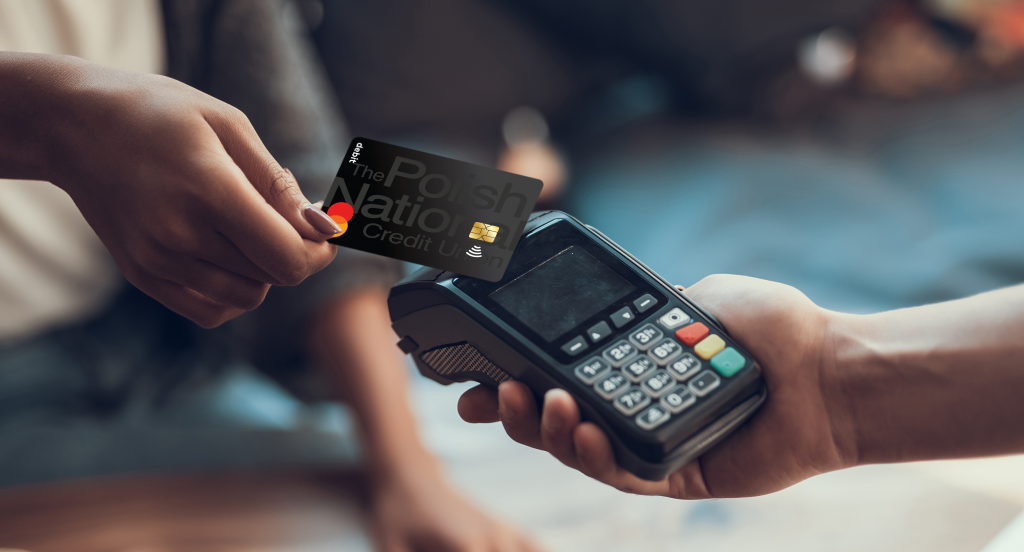
Card Controls

Why PNCU Card Controls?

Take control of your PNCU debit card anytime, anywhere with Card Controls through Online Banking and the PNCU Mobile App. Easily turn your card on or off, update your PIN, customize spending preferences, set transaction alerts, and more! All from the same secure and convenient place where you already manage your accounts.

Card Control Features

  • Turn Your Card On or Off: Misplaced your card? Instantly turn your debit card off to help prevent unauthorized transactions. Once you’ve found it, simply turn it back on.
  • Set Spending Controls: Customize how, where, and when your card can be used. Set preferences based on transaction types, merchant categories, or geographic locations.
  • Receive Real-Time Alerts: Stay informed with instant notifications whenever your card is used, helping you quickly identify and respond to suspicious activity.
  • Update Your Pin: Conveniently change your debit card PIN directly through Online Banking or the PNCU Mobile App—no branch visit required.
  • Monitor Card Activity: View recent transactions and keep track of your spending with easy access to your card activity.
  • Manage Travel with Confidence: Traveling? Use Card Controls to manage your card settings and receive transaction alerts while you’re away.
  • Enhanced Security: Take an active role in protecting your account with tools designed to help safeguard your debit card and reduce the risk of fraud.

Get Started with Card Controls

  • Log in to Polish National Credit Union or our mobile app.
  • Navigate to Card Controls from the main menu (for mobile, click the three-line menu icon first).
  • Start managing your card with confidence.

Your Polish National Credit Union debit card(s) will appear automatically. To add another card, “swipe” to add card, then click +Add Card and follow the prompts.

Please note that all users are required to be on the most current version of their device’s operating system to have the ability to see and use the Card Control feature in Polish National Credit Union online or mobile banking.

Ways to Guard Your Card and Stay Informed

  • Instant Transaction Alerts: Receive real-time notifications whenever your debit card is used, helping you stay on top of account activity and quickly identify transactions you don’t recognize.
  • Card On/Off Controls: If your card is misplaced or temporarily lost, you can turn it off in seconds. Once your card is found, simply turn it back on and continue using it as normal.
  • Spending Controls: Set preferences for where and how your card can be used. Customize controls based on merchant types, transaction categories, or geographic locations for added peace of mind.
  • PIN Management: Update your debit card PIN conveniently through Online Banking or the PNCU Mobile App, giving you greater control over your card’s security.
  • Monitor Account Activity: Review recent card transactions anytime to help track spending, verify purchases, and detect potential fraud early.
  • Stay Protected While Traveling: Manage your card settings and receive alerts wherever you go, helping you use your card with confidence at home or on the road.
  • Take Action Quickly: With card management tools available at your fingertips, you can respond to suspicious activity immediately and help protect your account from unauthorized use.

Relationships Built to Last

For more information about accounts and services, please visit our Member Care Centeruse our Contact Form, or call us at (413) 592-9495.

HOLIDAY UPDATE : All branches will be closed on Friday, June 19th in observance of Juneteenth. Online & Mobile Banking remain available 24/7.